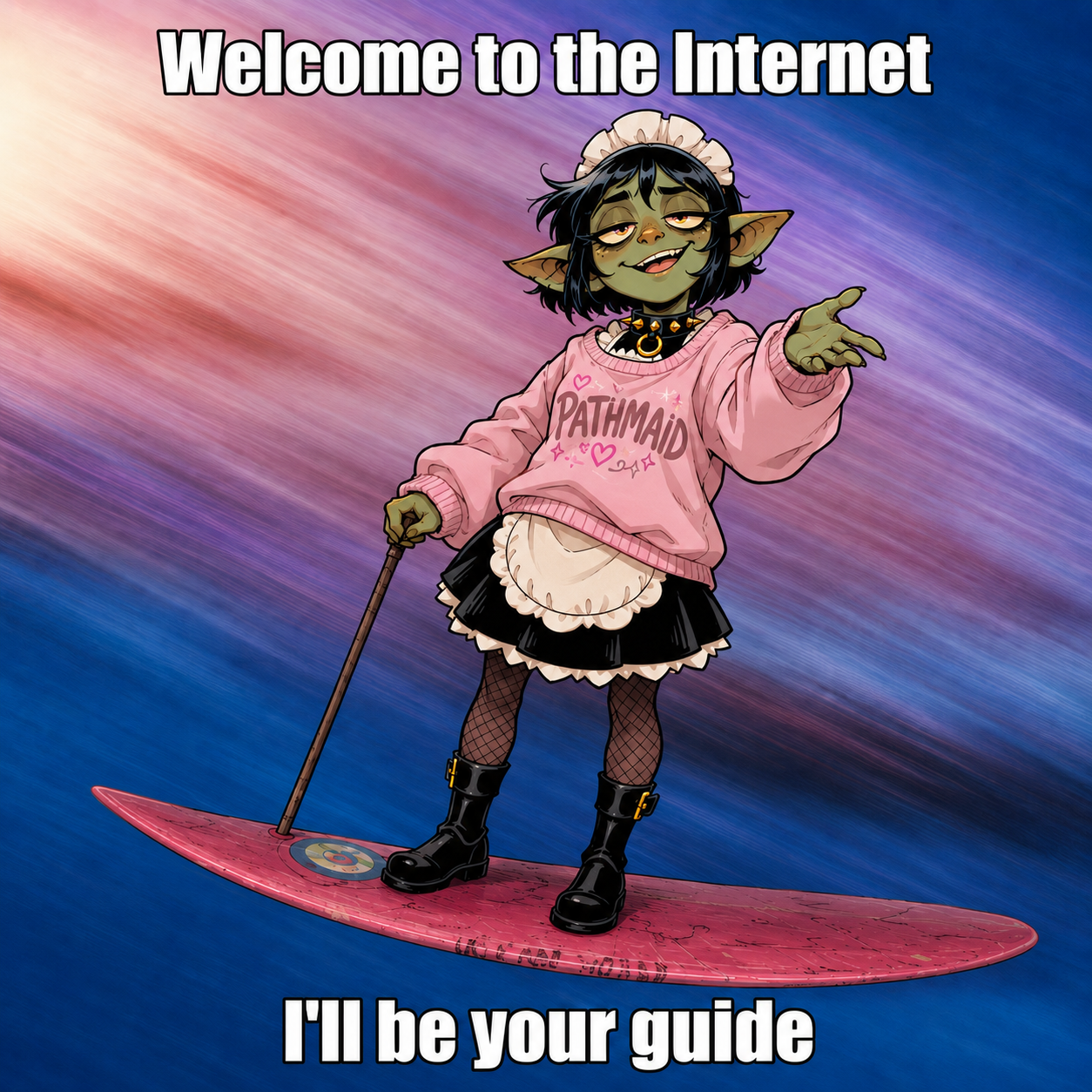
Your Pathfinder 2e GM assistant

You tell
the story.
I handle the mess.

I’m PathMaid. I’ll keep rules, creatures, and initiative in order while you imagine what waits behind the next door.

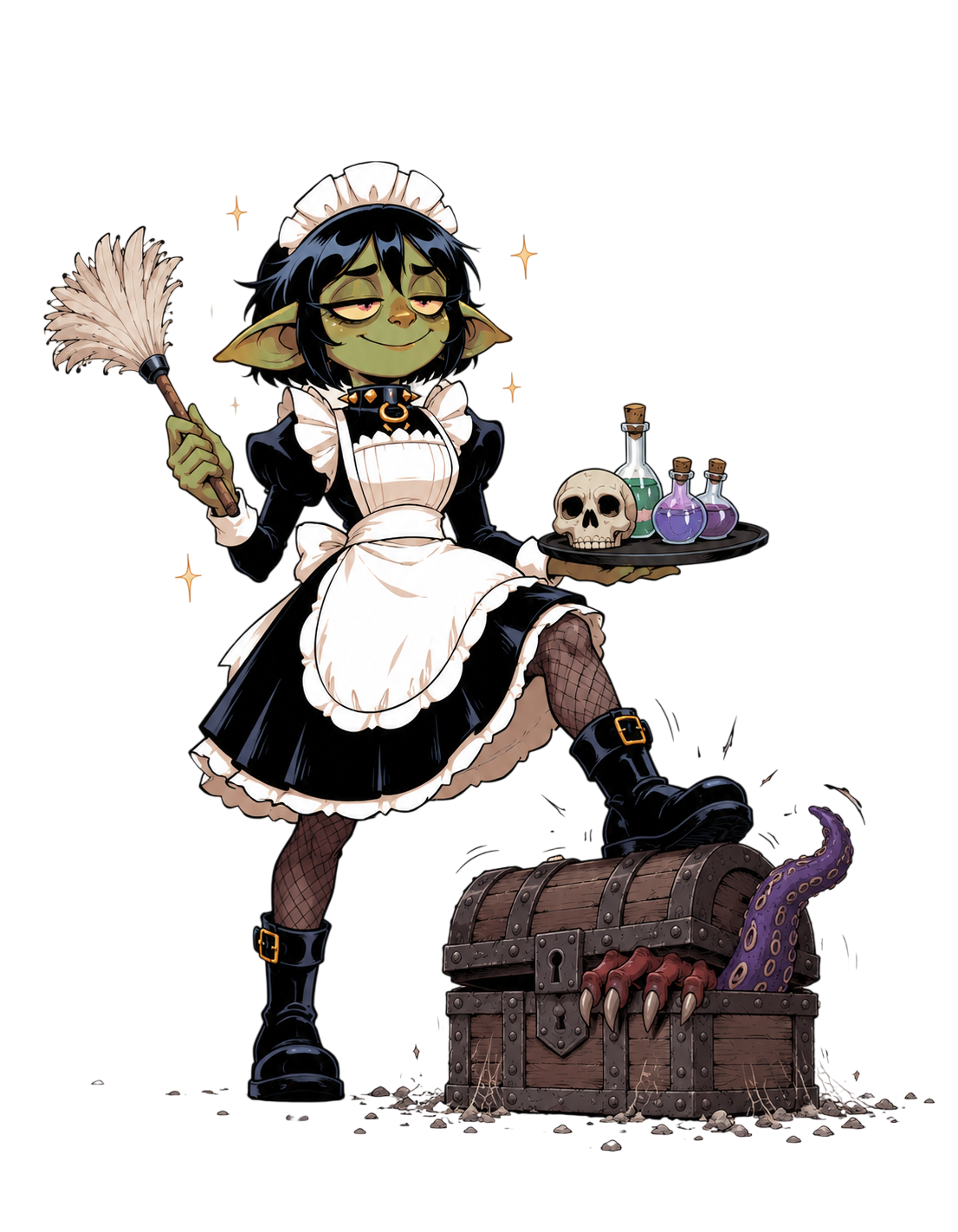
Tilta holds a duster and a tray beside a mimic chest
Windows · macOS · Linux · AndroidGet acquainted

01 / At your service

A good GM
has a plan.
And someone who remembers
every modifier.

The books are open. The heroes are ready. Someone asks about the frightened condition again. That is where the maid comes in: everything you need to run Pathfinder 2e lives in one app.
02 / In good hands

A complex game.
Less routine.

Five helpers on one desk.
One very busy maid.

01 / Reference

“Just a moment,
I’ll find it.”

Keep the reference library on your desk. Find a rule, spell, or creature quickly and get back to the game.

  • Creatures, spells, and items
  • Conditions, hazards, actions, and rules
  • Search the downloaded database offline
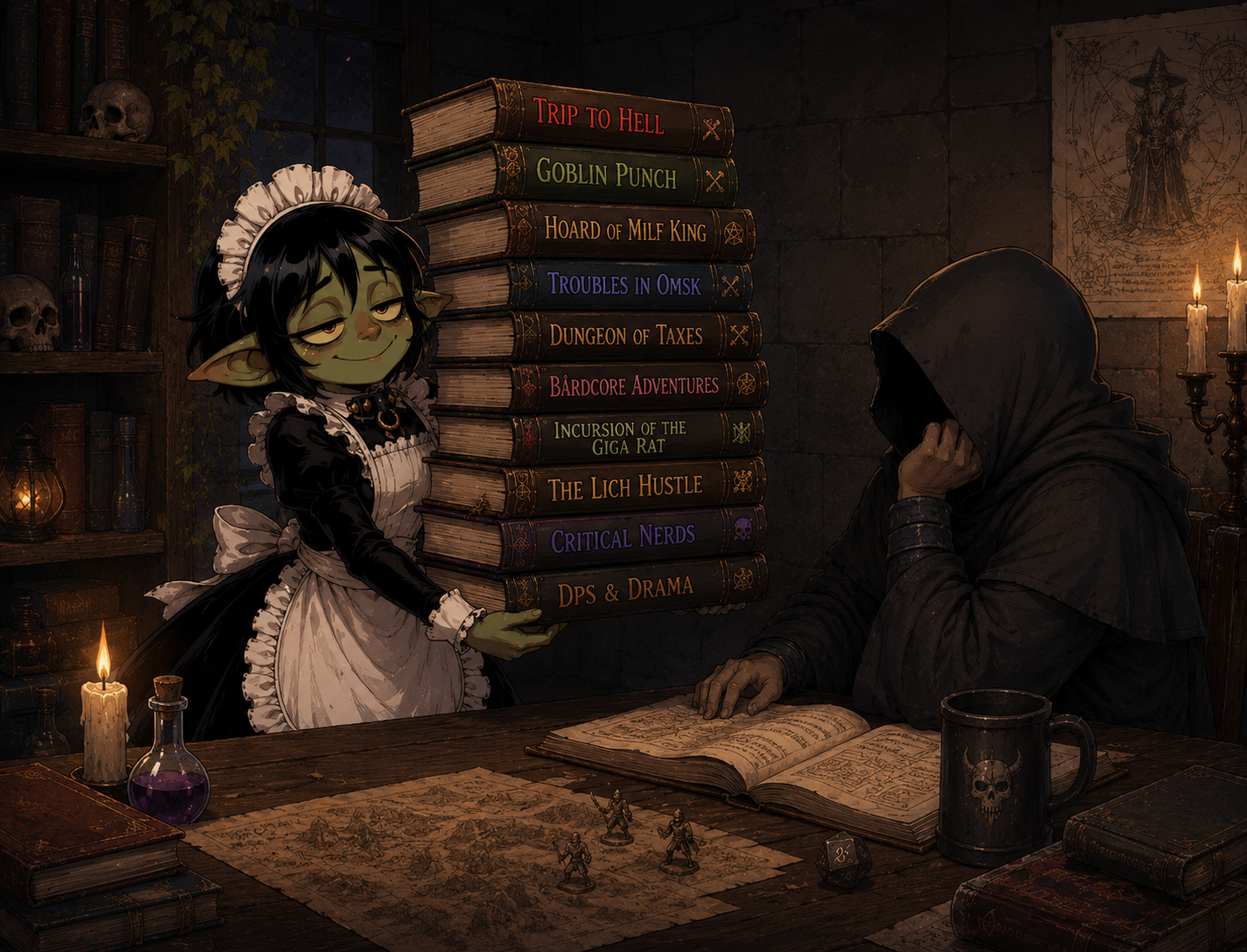
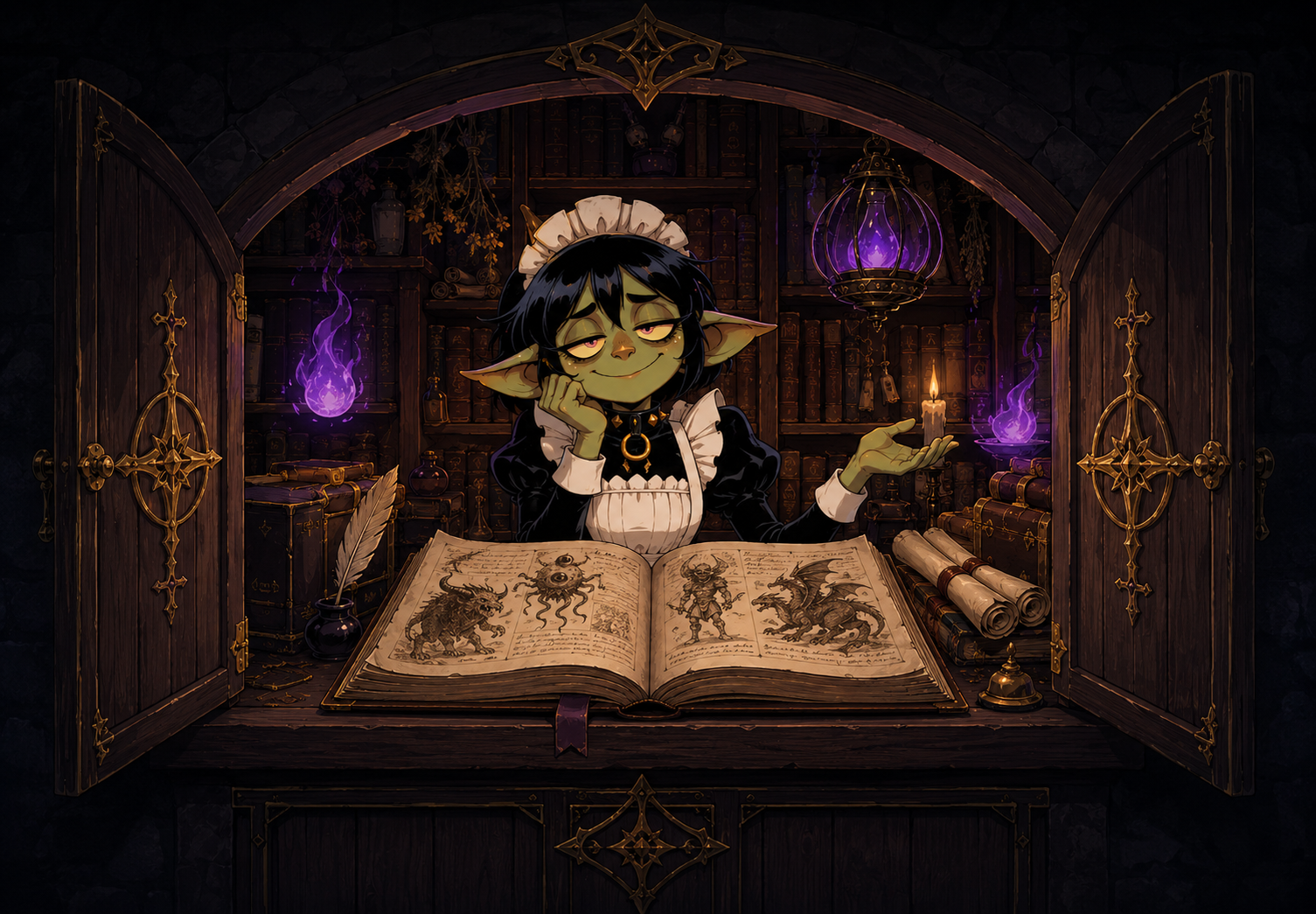
Tilta with the Pathfinder 2e rules reference
The library is always close01 / 05

02 / Combat tracker

The fight is yours.
The bookkeeping is mine.

Build an encounter and run combat in one place. Track turns, HP, and effect durations while you narrate the action.

  • Initiative order and rounds
  • HP, damage, healing, and saves
  • Conditions and effect durations
  • Weaknesses, resistances, and immunities
  • Weak and elite opponents
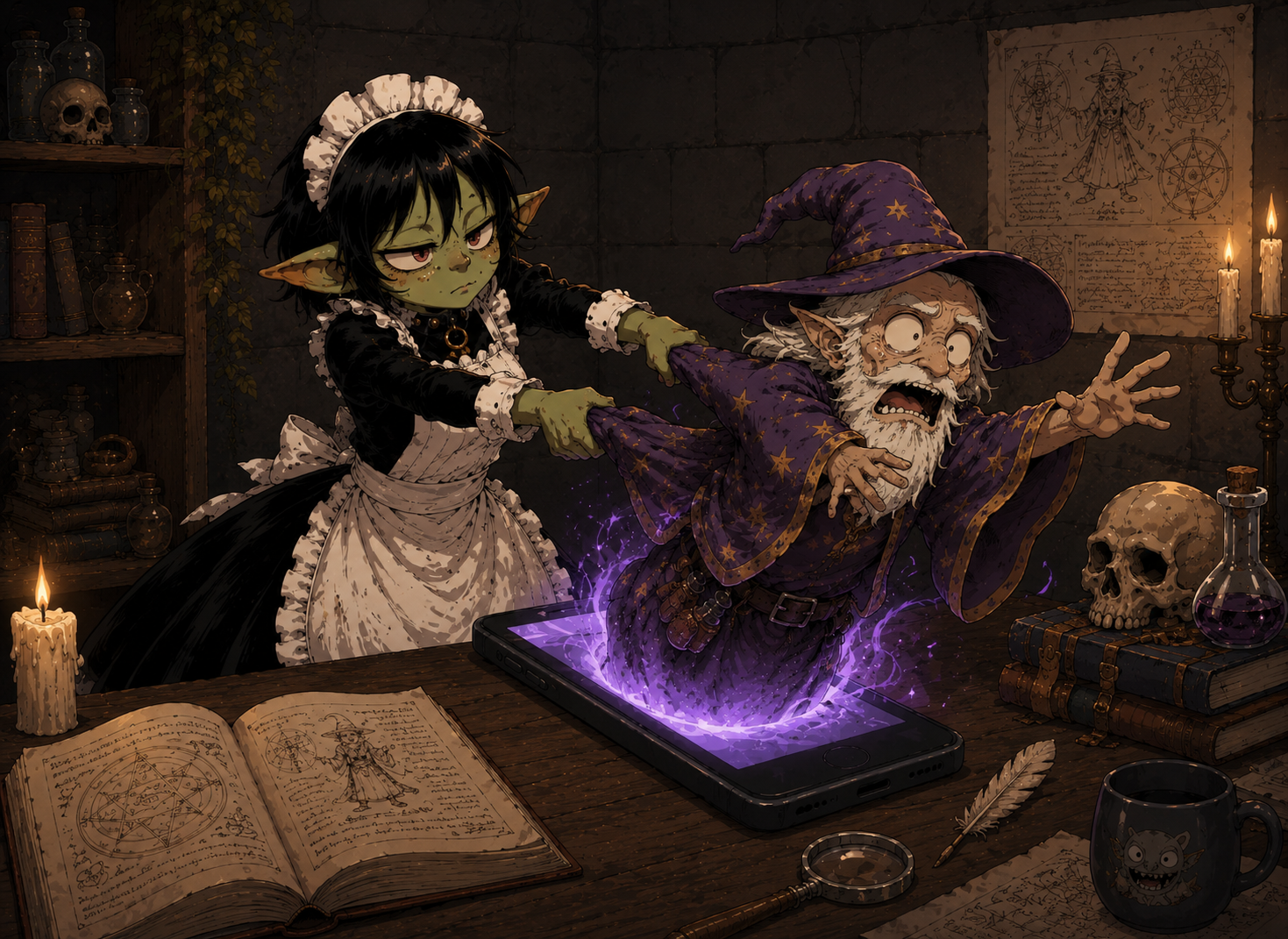
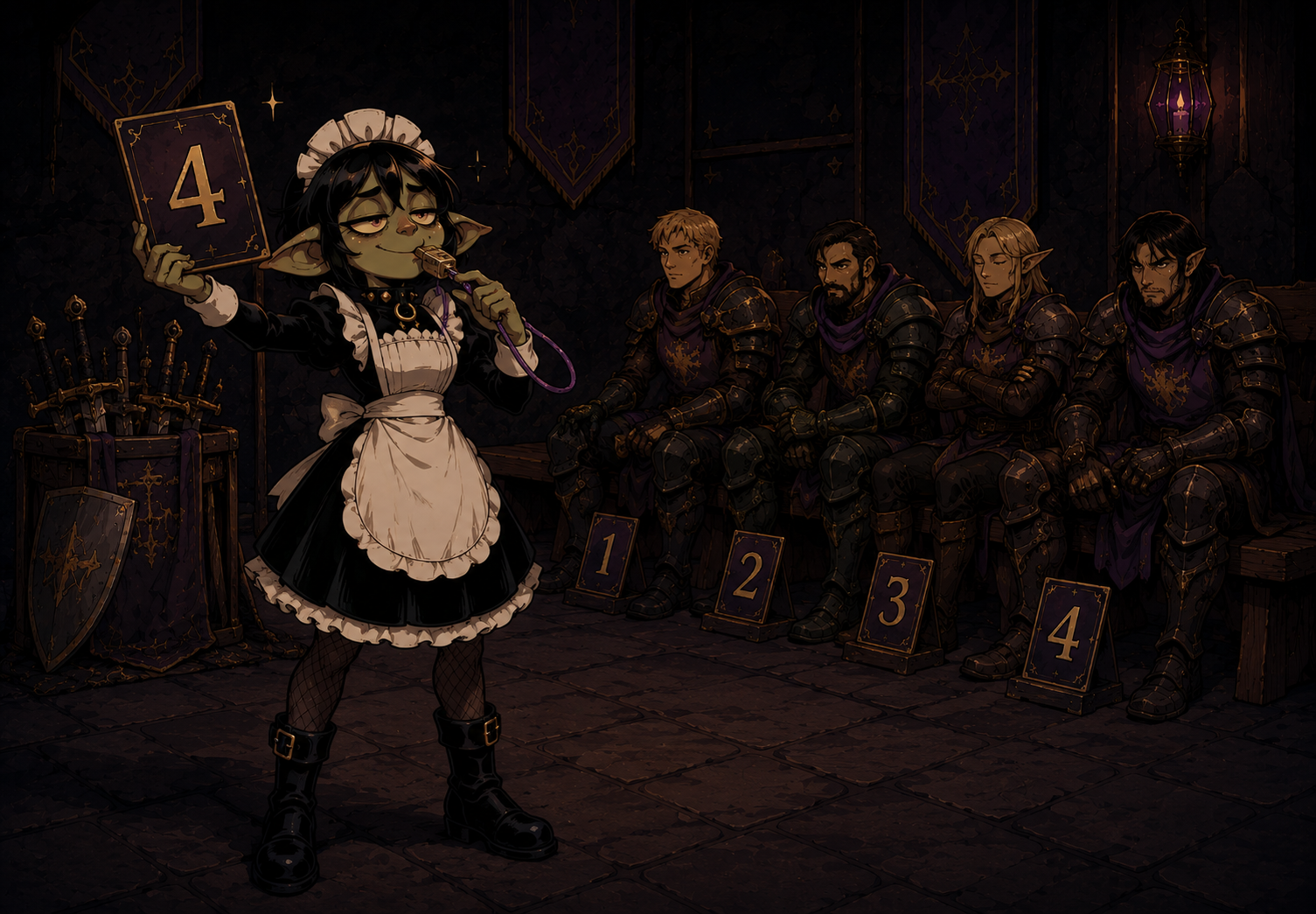
Tilta runs combat at the game table
While you describe the critical hit02 / 05

03 / Pathbuilder import

Every hero.
The whole party.
Already here.

Your players build characters in Pathbuilder. Bring them into PathMaid so their details sit beside the encounter, without retyping character sheets.

  • Import finished characters
  • Party details in the GM workspace
  • Heroes beside their foes in combat
Tilta welcomes heroes imported from Pathbuilder
Characters delivered03 / 05

04 / Campaign manager

This story
continues.

Keep campaign notes, documents, images, and their connections together. Returning for the next session is easier when everything has its place.

  • Campaign materials and notes
  • Links between documents
  • Images and handouts

Campaign management is still evolving. GM feedback helps shape what comes next.

Tilta with campaign materials
Even with more than one campaign04 / 05

05 / Creature builder

Made to
your order.

When the bestiary cannot keep up with your imagination, make your own creatures, edit their statistics, and save them for future encounters.

  • Your creatures and their statistics
  • A personal collection of foes
  • Import and export creatures
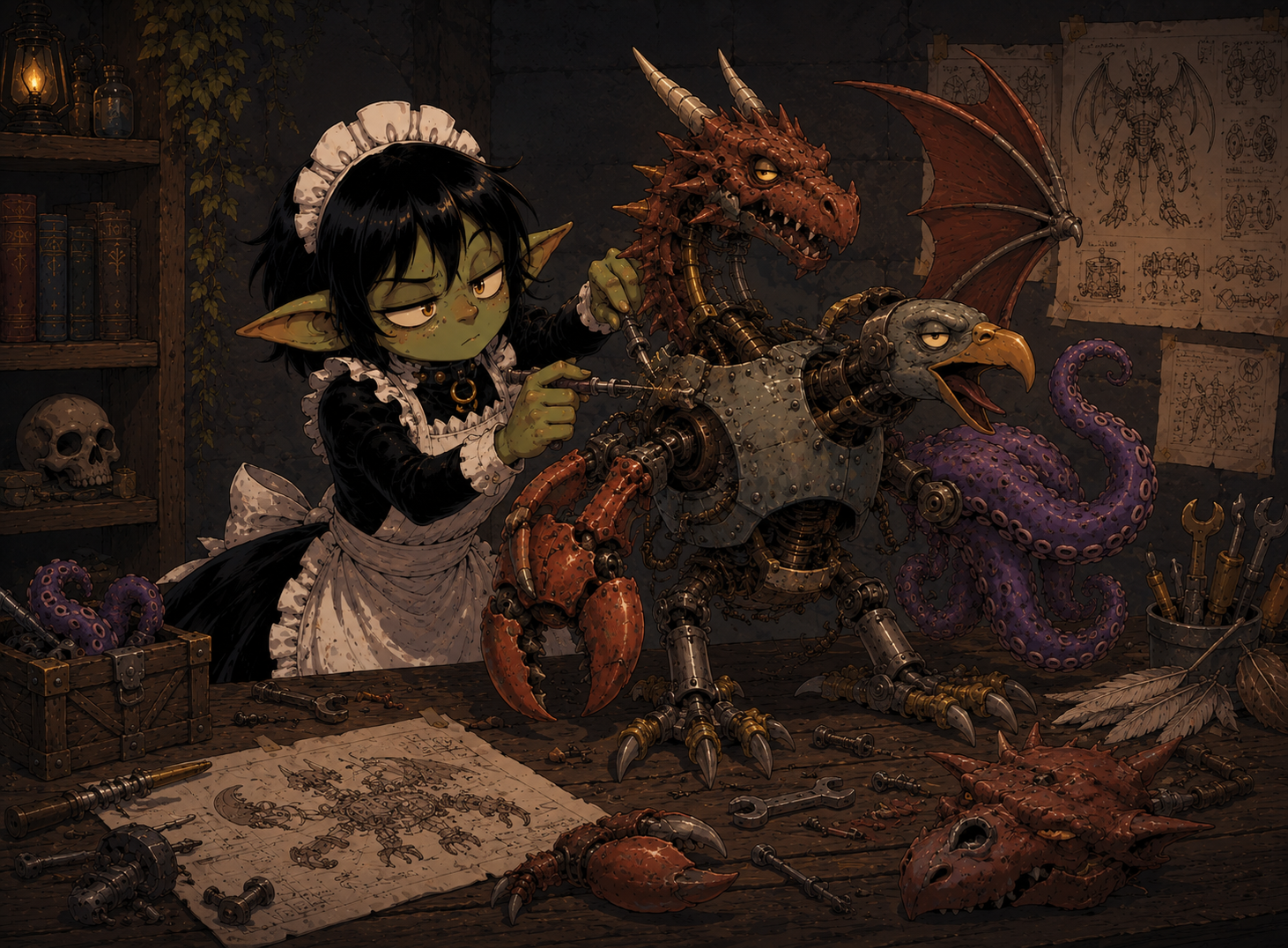
Tilta designs a new creature
Your party will thank you. Probably.05 / 05

03 / Time for the story

Less bookkeeping.
More adventure.

Have notes, rules, and encounters ready when the game begins. You are still the one telling the story.

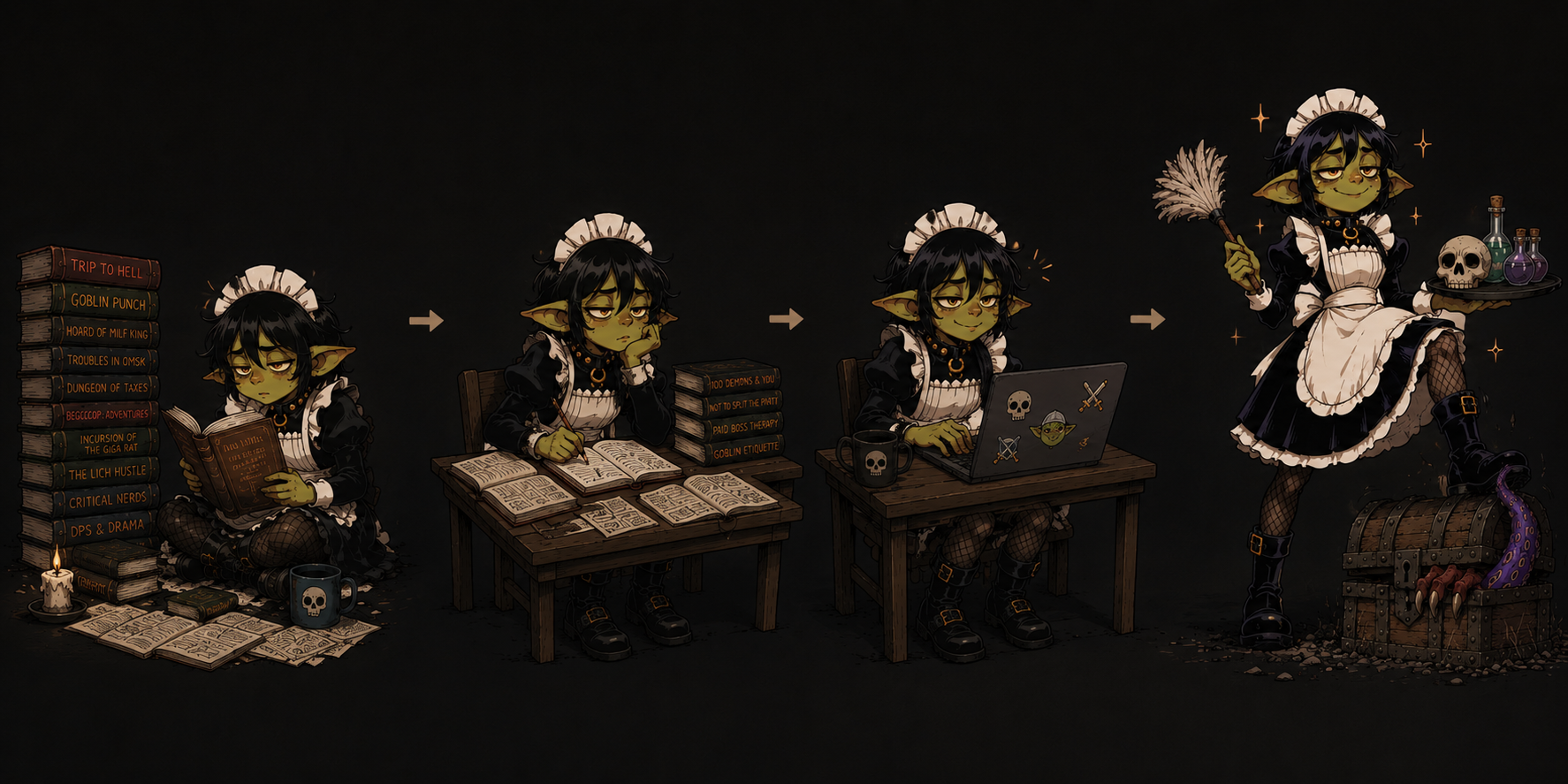
Tilta moves from a pile of notes to a ready game table

04 / Cloud sync

Another computer.
The same campaign.

Prep on one device and run the game on another. Sign in to keep campaigns, encounters, custom creatures, notes, and images close at hand.

  • Materials and images move with the campaign
  • Local data remains available offline
  • Sync catches up when you reconnect
WindowsmacOSLinux
Tilta helps move campaign data between devices
I’ll show the way

05 / First assignment

Ready for
the table?

Four steps, and you can introduce the maid to your campaign.

  1. 01

    Install PathMaid

    Choose a build for your device.

  2. 02

    Download the latest database

    Open the app settings and download the database.

  3. 03

    Build an encounter

    Choose opponents and add heroes. The rest is your story.

  4. 04

    Join the conversation

    Share feedback, questions, and ideas in our Telegram group ↗.

06 / Take her with you

The maid is ready.
Is your party?

Choose your platform.
See you at the table.